
Regular password changes are an important security measure. Please note that your password expires every 90 days.
-
On the
CMS
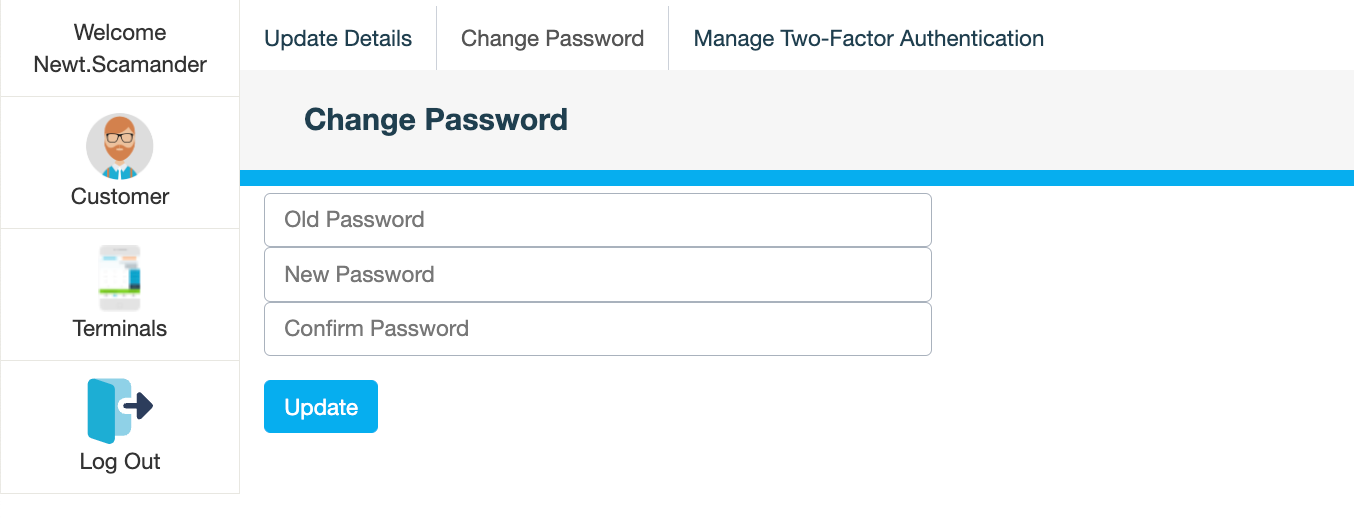
menu, click your username.
-
On the Change Password tab, enter your old password.
-
Enter and confirm your new password.
Your password must be between 6 and 20 characters. It must also contain at least one:
-
lowercase and uppercase letter
-
number
-
special character
-
-
Click Update.