
As a security measure,
Youtap Customer Management System
locks the account if a customer enters an incorrect PIN 5 consecutive times.
-
Find the customer
whose account is locked.
-
Under Accounts, click Unlock.
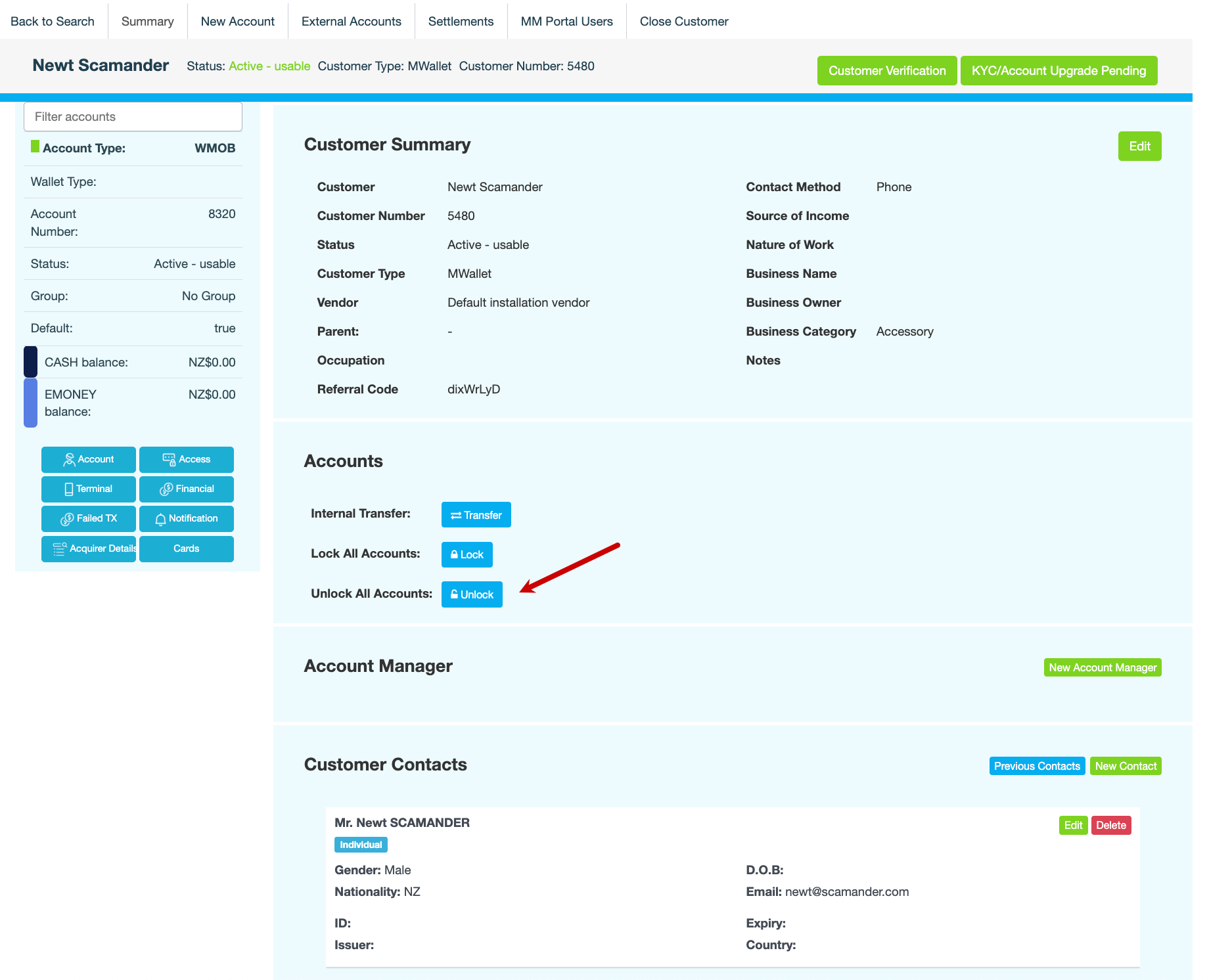
The following message is displayed:
Are you sure you want to unlock all accounts for this customer? -
Enter a note, then click CONFIRM. The following message is displayed at the top right:
All accounts unlocked
Also see