CMS
supports linking wallet accounts to external financial service provider accounts. For example, bank accounts. This integration facilitates seamless transactions, such as money transfers or settlements into a bank account.
However, unlinking an account may be necessary in certain situations. For instance, if a customer loses their device, they may prefer to disconnect their wallet and bank accounts for security reasons.
-
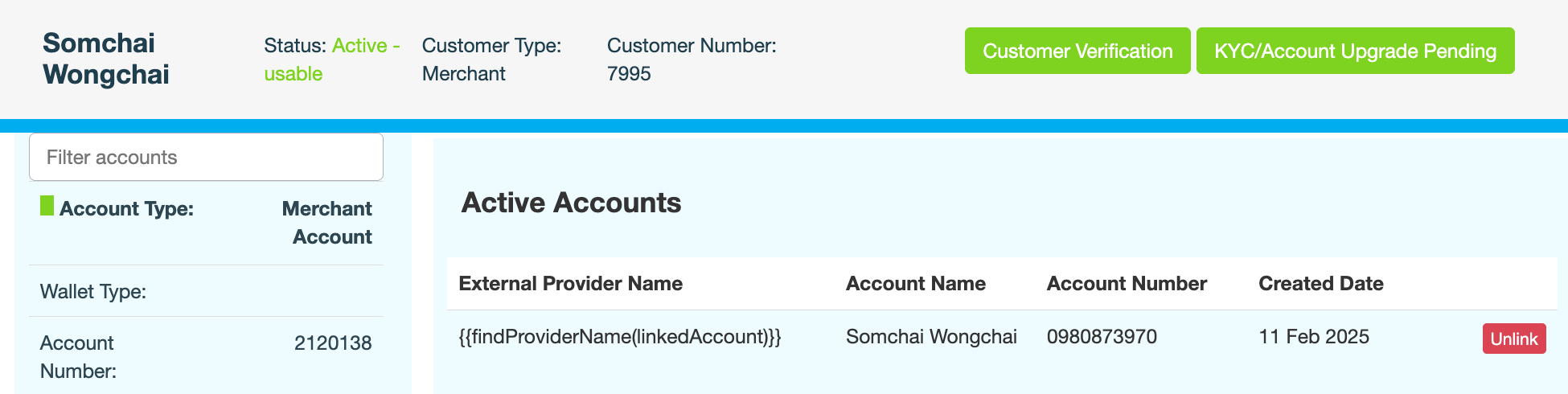
Click the External Accounts tab.
CMS
displays a list of all third-party accounts that are currently linked or were previously linked.
-
Under Active Accounts, locate the account you want to unlink, then click Unlink to disconnect it.