
-
On the AMS menu, click Terminals > Access Profiles.
-
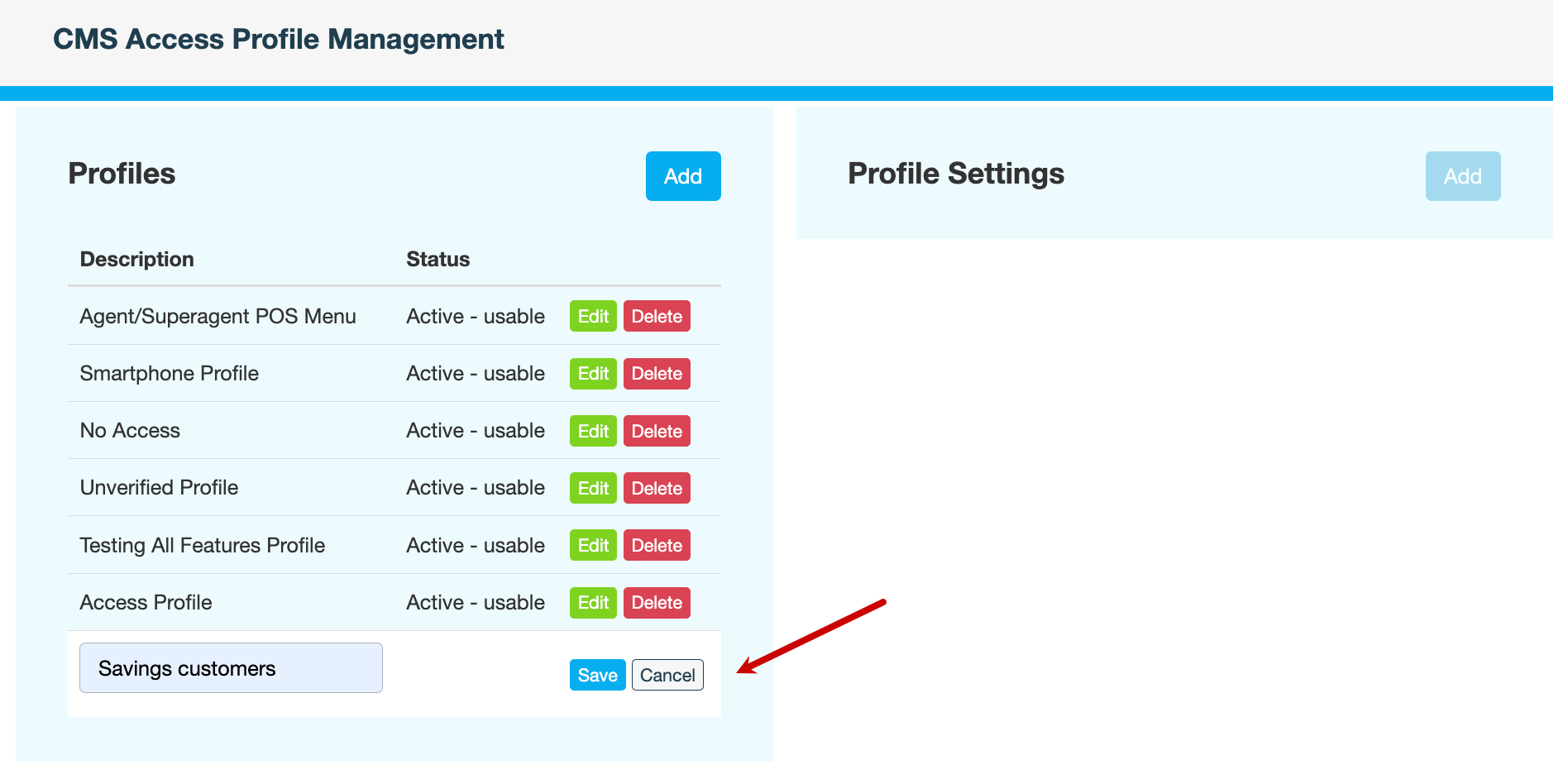
On the CMS Access Profile Management page, next to Profiles, click Add.
-
Enter a unique name for the new profile, then click Save.
-
Enter a reason for adding the access profile, then click CONFIRM. The status of the access profile changes to Active - usable.
What's next
Add menus to the access profile.
Also see