
-
On the AMS menu, click Terminals > Access Profiles.
-
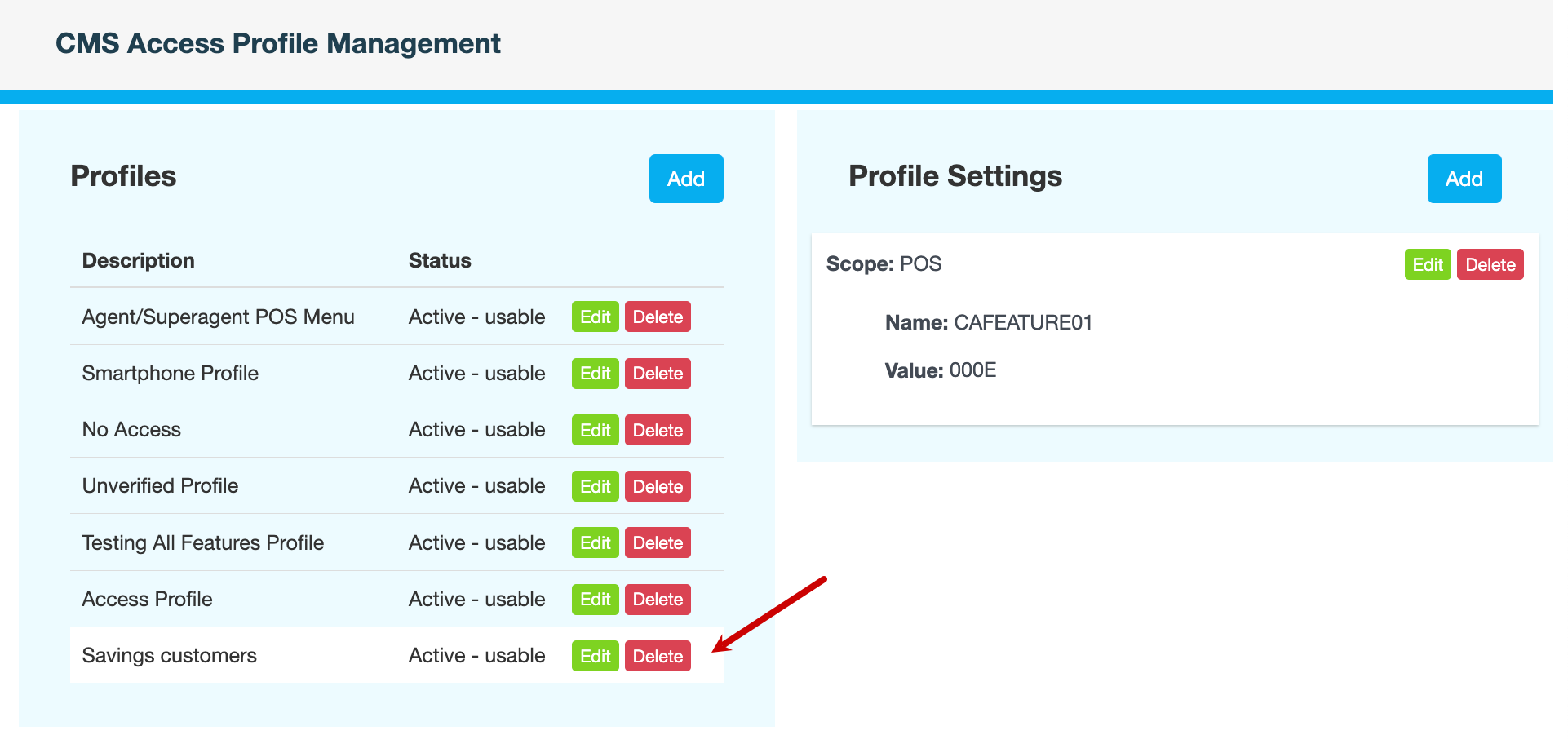
Under Profiles, click Delete next to the profile you want to remove.
-
Enter a reason, then click CONFIRM.
Also see
On the AMS menu, click Terminals > Access Profiles.
Under Profiles, click Delete next to the profile you want to remove.
Enter a reason, then click CONFIRM.
Also see