
-
On the AMS menu, click Admin > User Management.
-
On the User Search page, locate the user using one or more of the following fields:
|
Field |
Description |
|---|---|
|
|
All or part of the email address used to log into the Youtap web and mobile apps. This field is case-sensitive. |
|
Role name |
The role of the user. |
|
Financial institutions |
The organisation that the user belongs to. |
-
Click Search to view a list of matches.
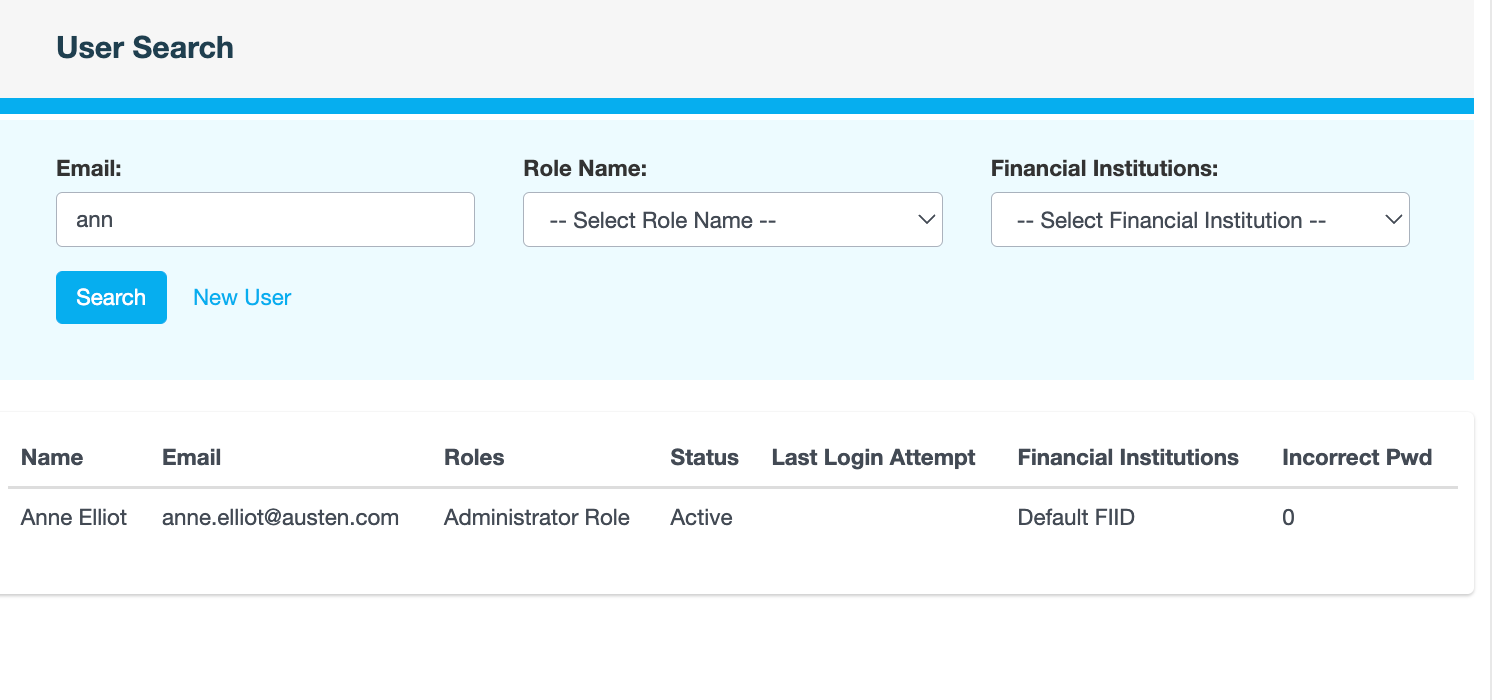
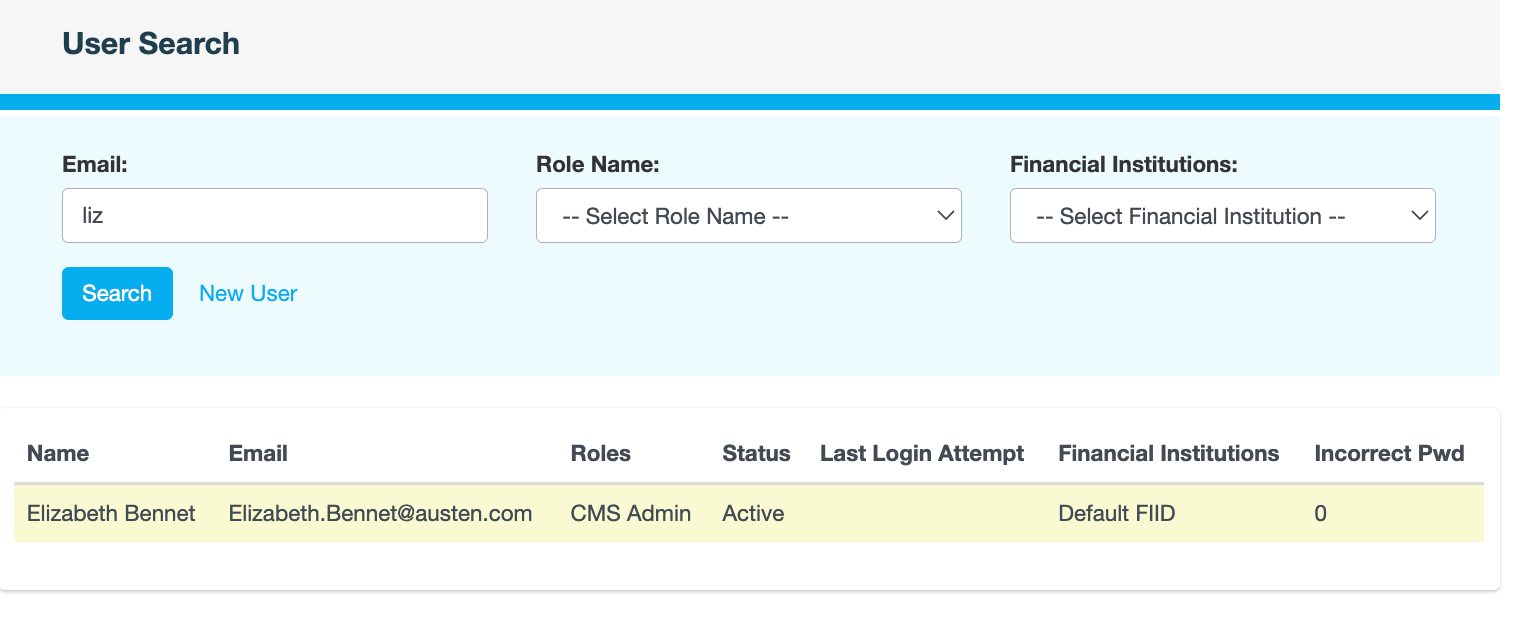
A yellow highlight means that that user account is disabled or pending.
Also see