
-
On the AMS menu, click your username.
-
On the Update Details tab, click Edit.
-
Add your Mobile Number, then click Save. Mobile numbers should be in the E.164 format, which is
[+] [country code] [mobile number].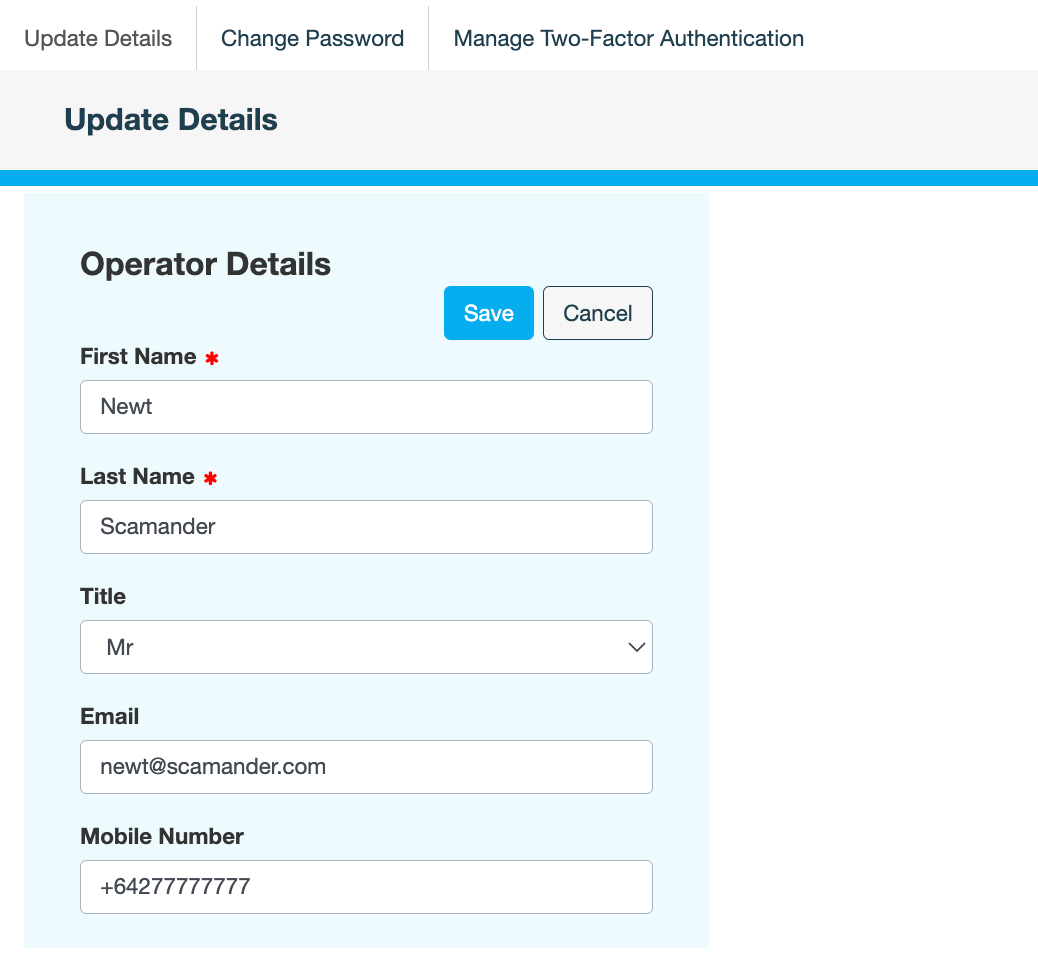
-
Add a note, then click CONFIRM.
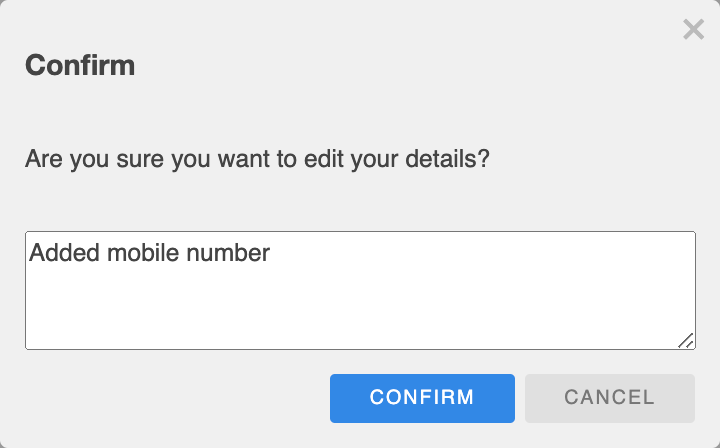
The following message is displayed:
Successfully updated details
Also see