
-
Click ... next to the user's name in the search results, then click Change Role.
-
On the Change Role dialog, select (or clear) the checkboxes next to the roles you want to assign to the user.
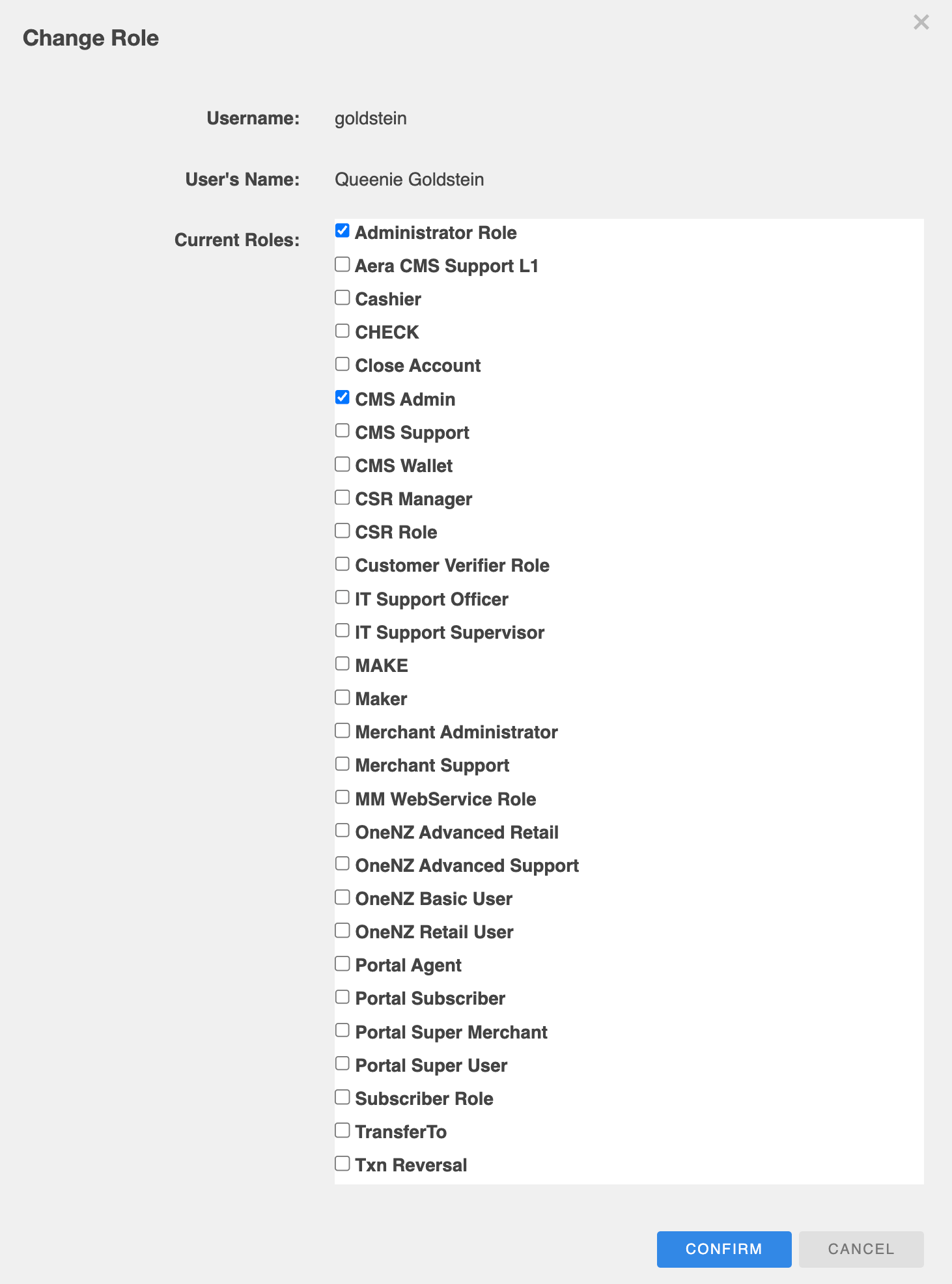
-
Click CONFIRM.
-
Enter a reason for changing the user's roles, then click CONFIRM again.
Also see