
Before you begin
Adding an address
-
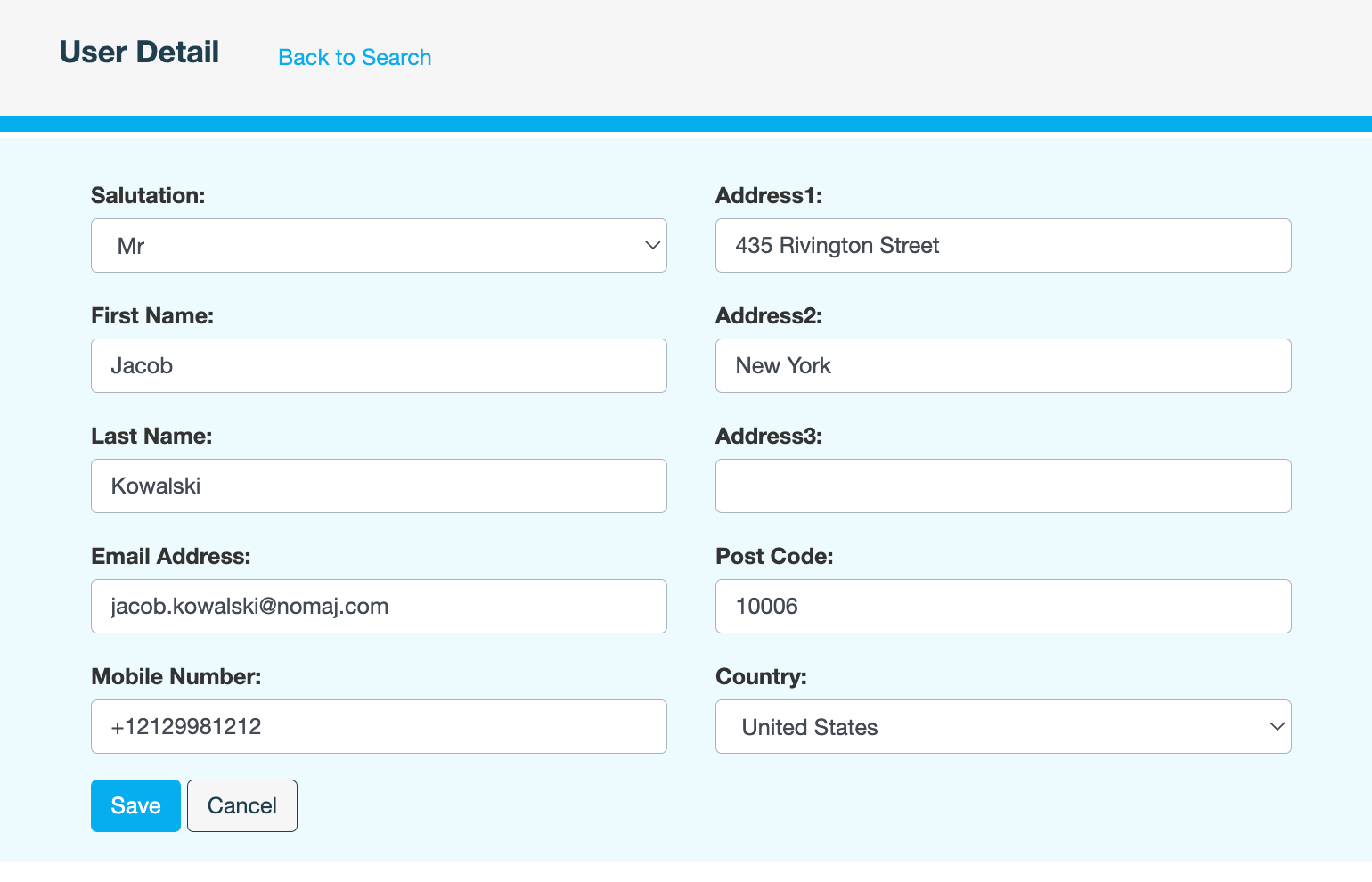
On the User Detail page, click Edit.
-
Add the physical address of the user.
-
If required, update the salutation and email address.
-
Click Save.
-
Enter a reason for updating the user's details, then click CONFIRM.
Also see