
-
On the AMS menu, click Terminals > Access Profiles.
-
Under Profiles, select the row of the profile whose menu you want to edit.
-
Under Profile Settings, locate the menu, then select Edit.
-
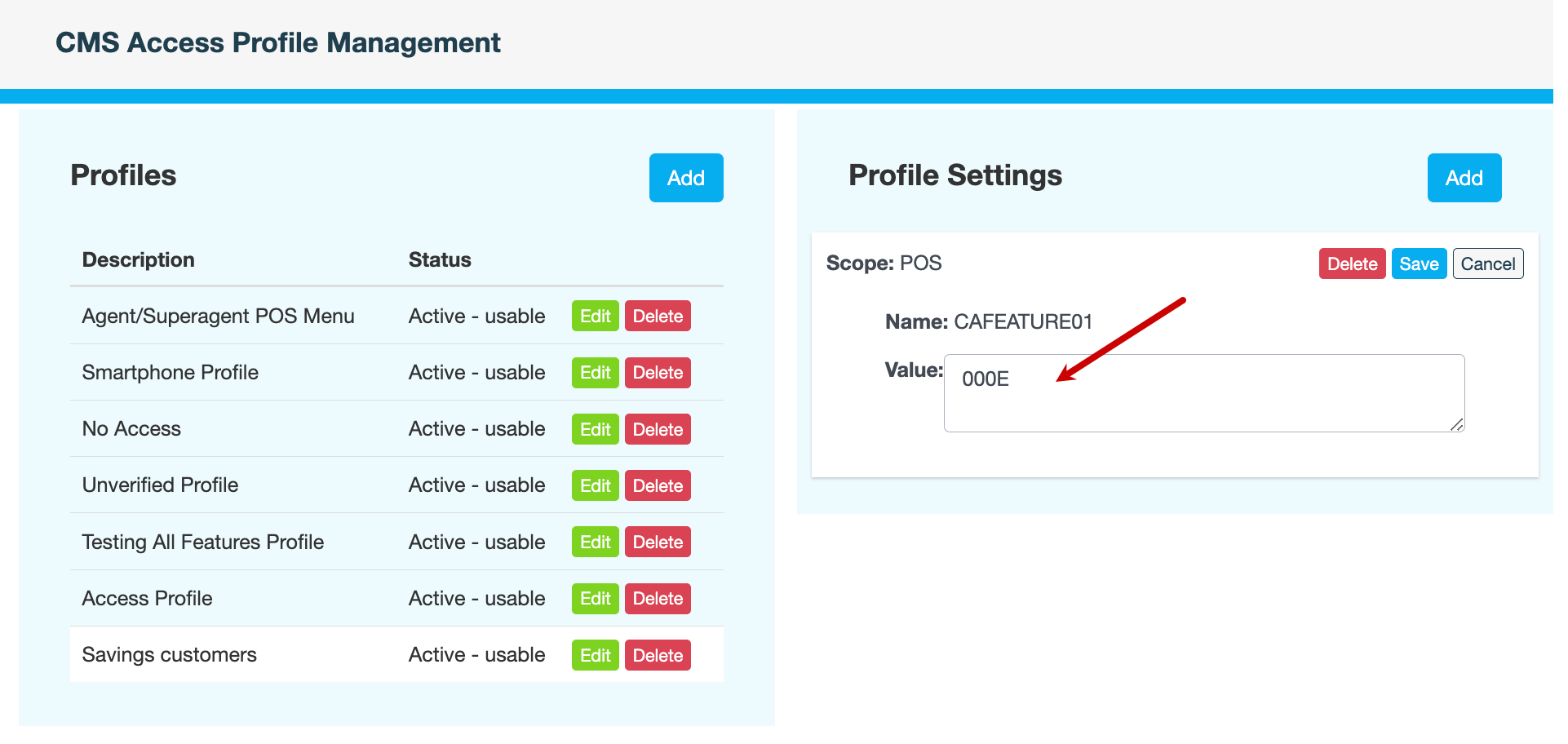
Most menus are defined as hexadecimal values ranging from 0000 to FFFF. Please contact Youtap Support if you require assistance calculating the hexadecimal value. Alternatively, if the menu is from a file or financial institution ID, enter the full file name or FIID value.
-
Click Save.
-
Enter a reason for editing the menu, then click CONFIRM.
Also see