
-
Open AMS.
-
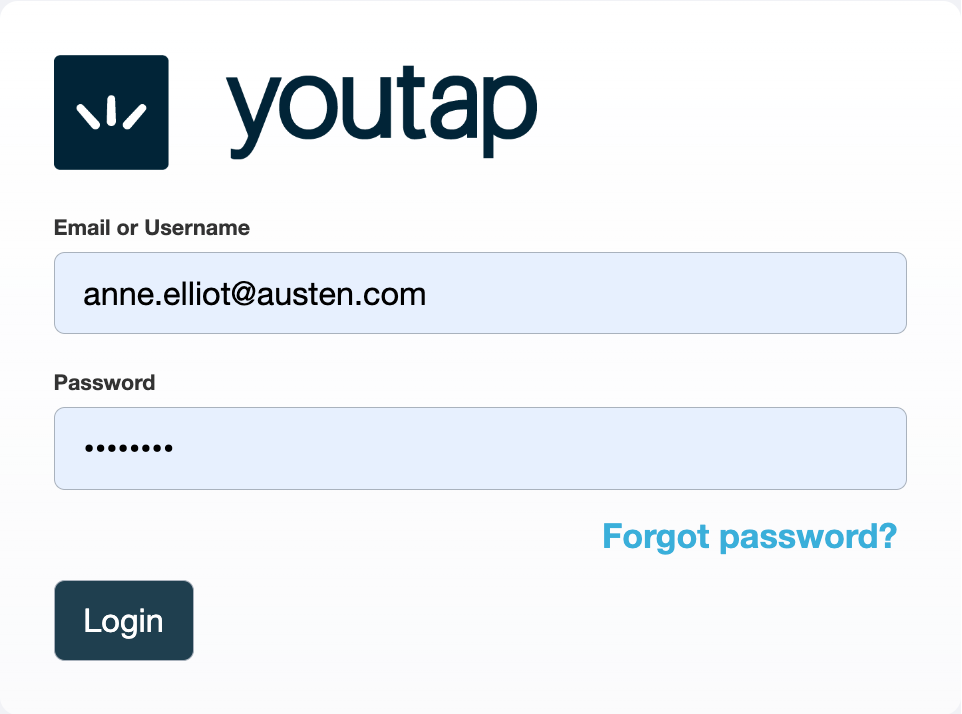
Enter your Email and Password, then click Login.
-
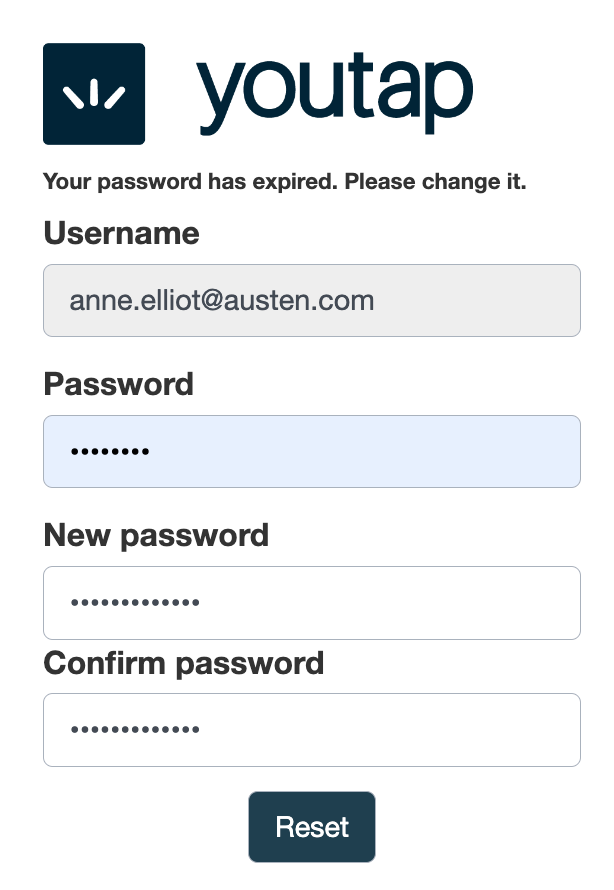
Since this is your first time signing in, update your password.
-
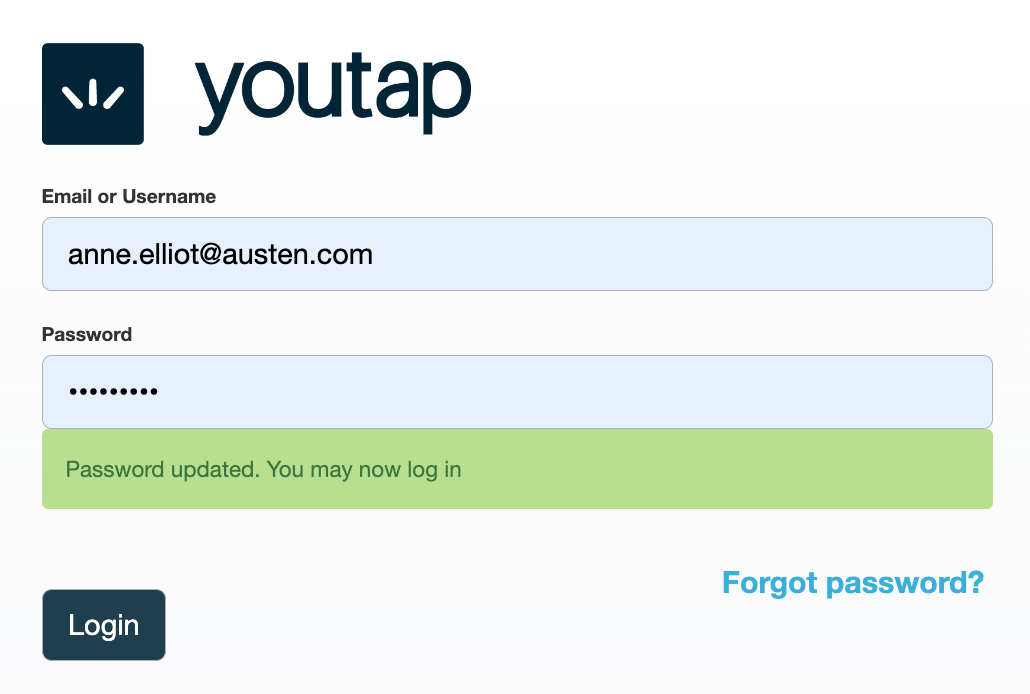
Now use your updated password to log in.
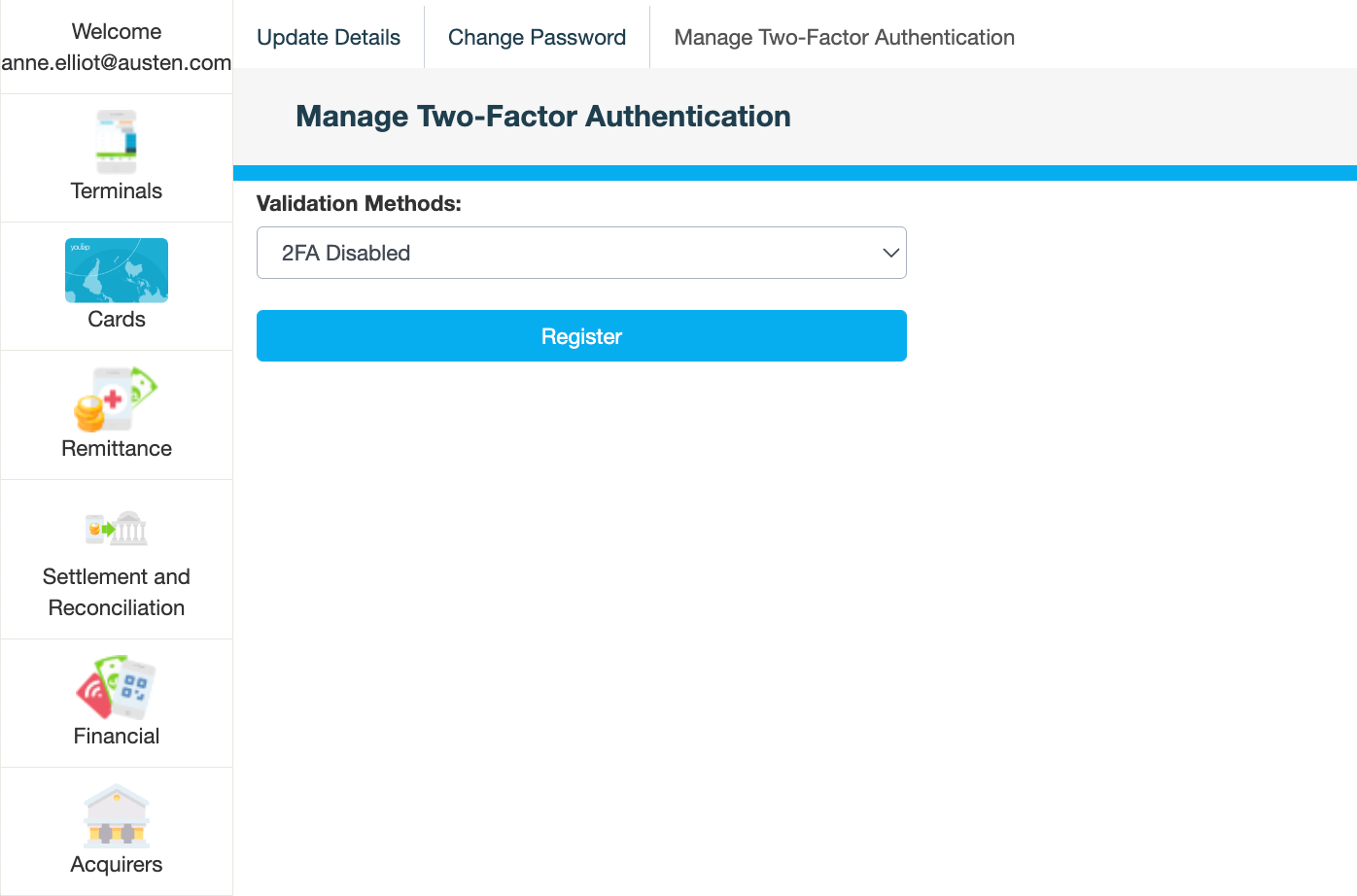
The Manage Two-Factor Authentication page is displayed with the menu in the left pane.
What's next