
As a security measure,
Youtap Administration Management System
locks the account if a user enters an incorrect password 5 consecutive times.
-
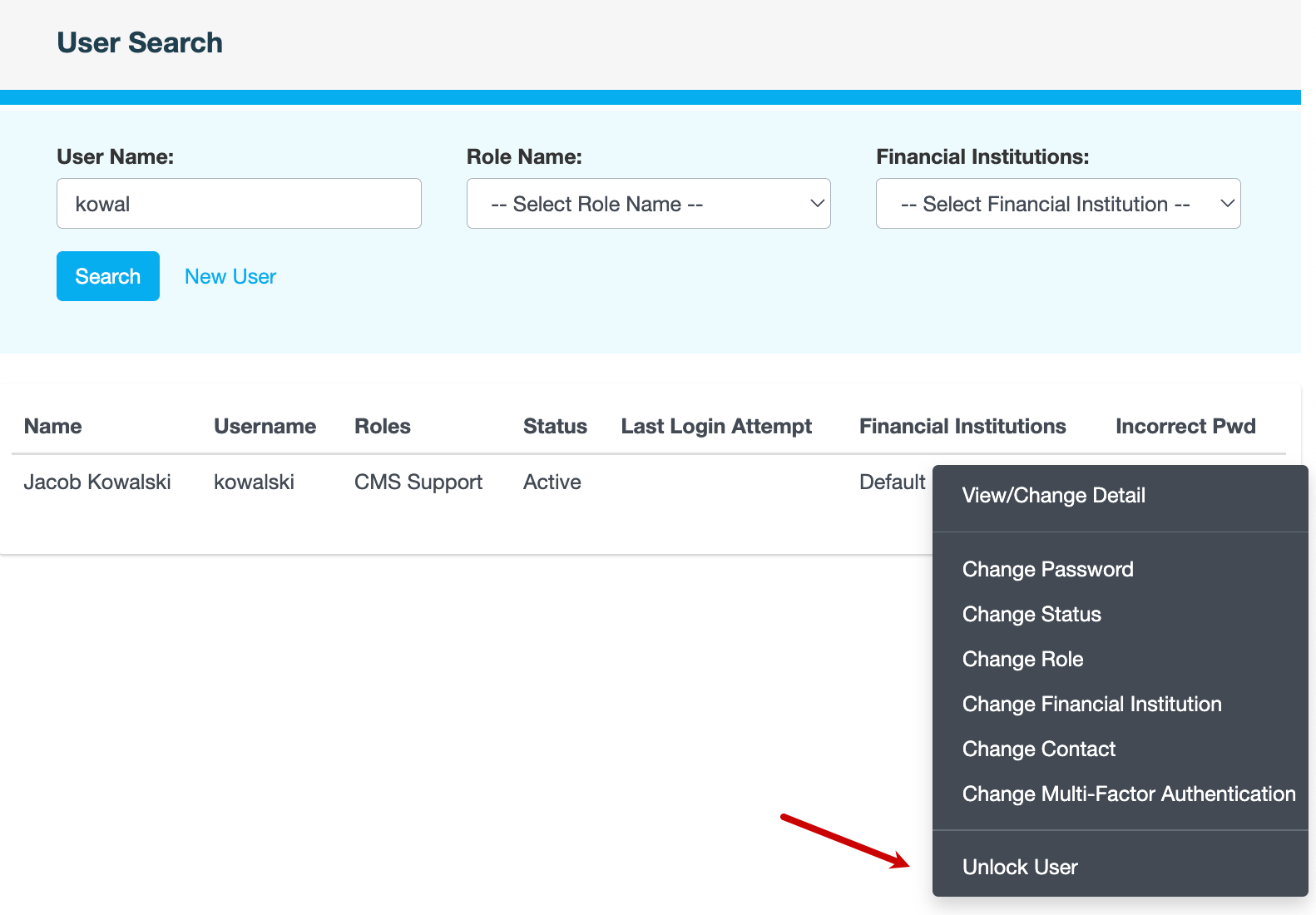
Find the user whose account is locked.
-
Click ... next to the user's name in the search results, then click Unlock User.
-
Enter a reason for unlocking the user's account, then click CONFIRM.
Also see