
-
On the
Youtap Administration Management System
menu, click Admin > Configuration > Security Questions.
-
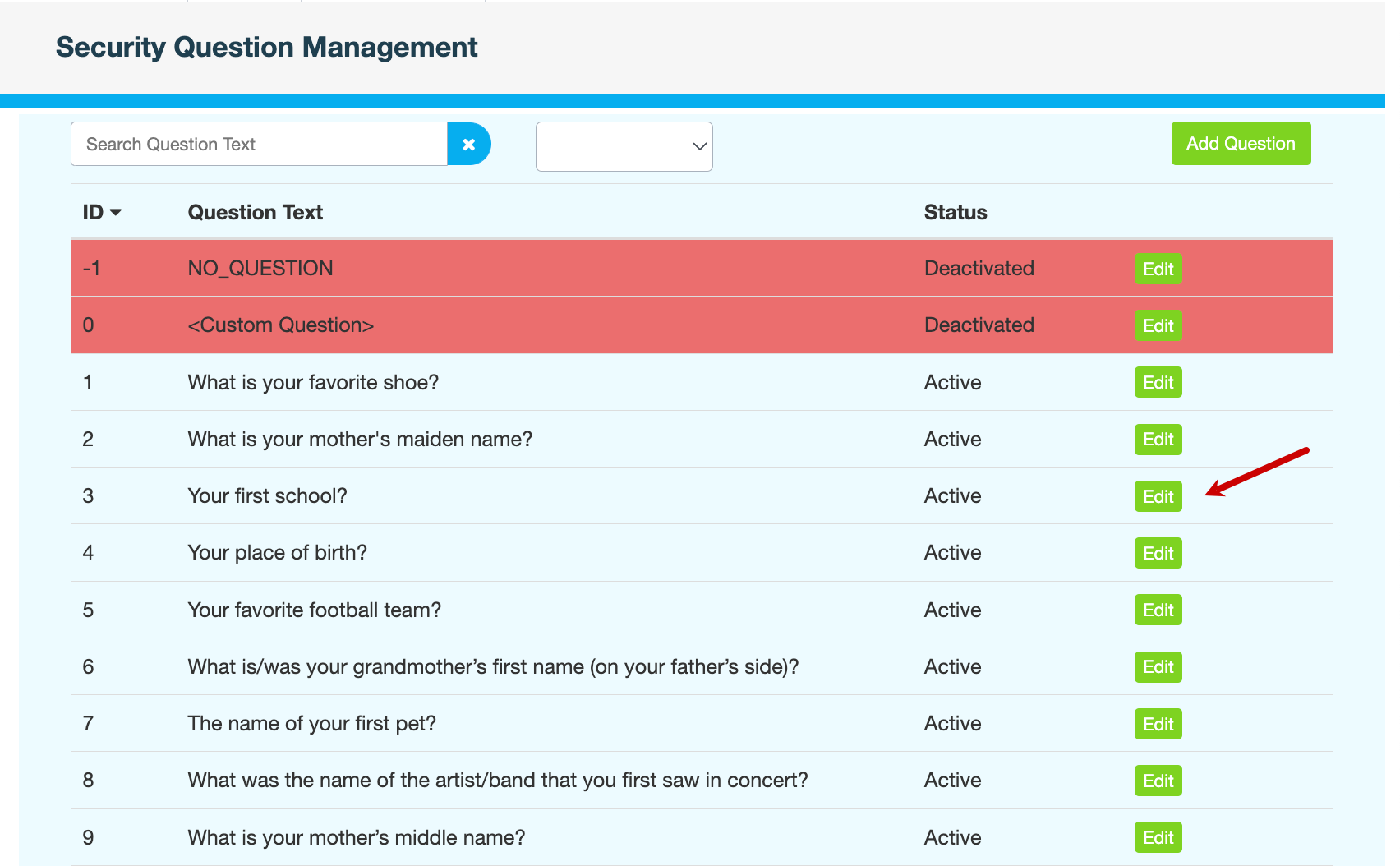
On the Security Question Management page, click Edit next to the question you want to update.
-
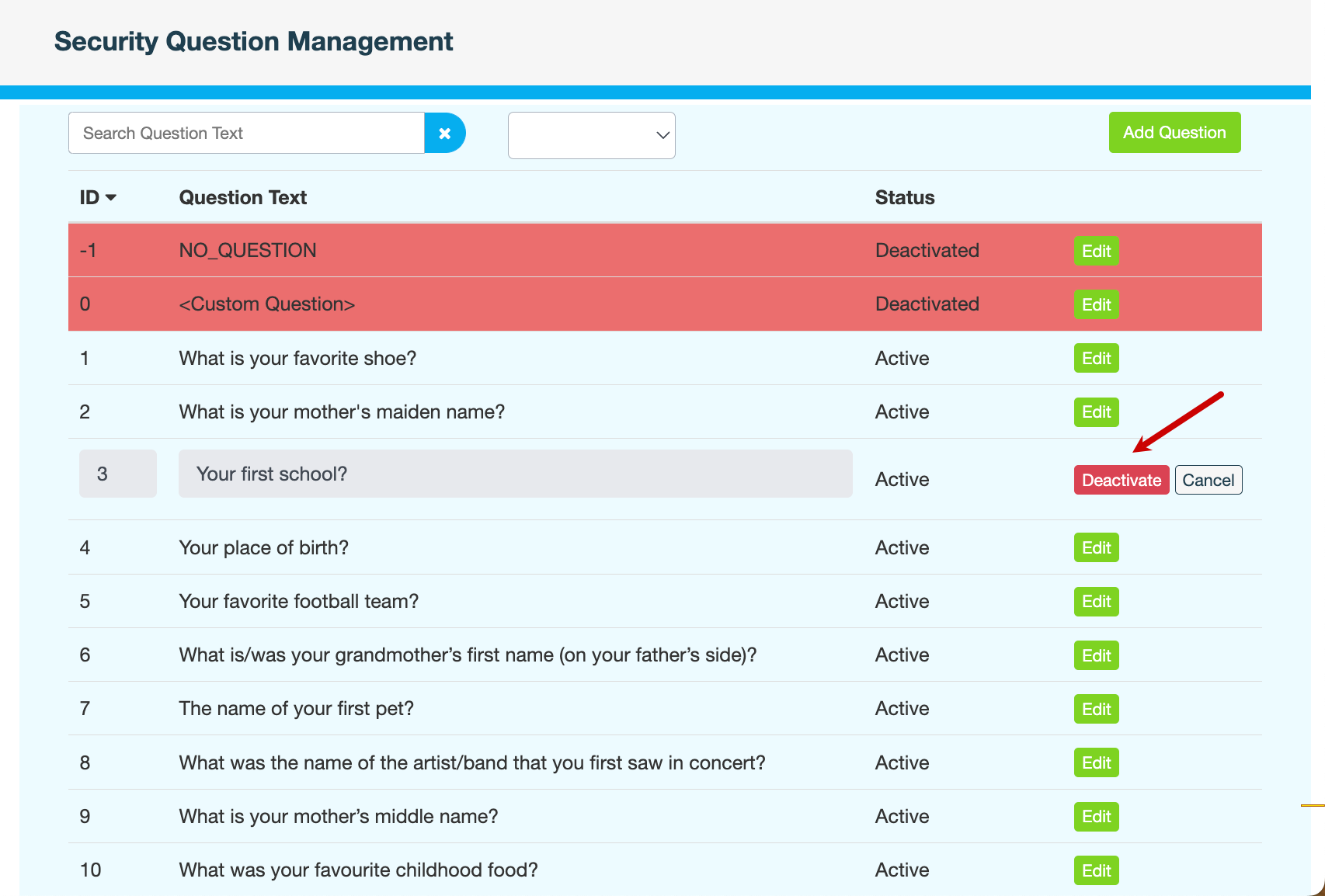
Do one of the following:
To...
Click...
Enable the security question for customers in the app
Activate
Disable the security question for customers in the app
Deactivate
-
Enter a reason for changing the status of the question, then click CONFIRM.